



[13+] AI Product Description Generators That Businesses Must Try in 2026

Table Of Contents
One crucial aspect of any successful business is effectively marketing its products or services. However, crafting compelling product descriptions that resonate with customers can be daunting, often requiring considerable time and expertise. Enter AI product description generators revolutionary tools powered by artificial intelligence that are changing the game for businesses of all sizes. These product description apps are designed to generate high-quality, engaging product descriptions in a fraction of the time it would take a human writer.
Join us as we delve into AI-powered product description generation and discover how these innovative tools can help businesses stand out in today's competitive marketplace.
What is an AI Product Description Generator?
An AI product description generator is an automated tool that uses artificial intelligence to write persuasive, SEO-friendly, and brand-consistent product copy. By analyzing basic product details (features, specs, audience), it instantly produces engaging descriptions that save e-commerce businesses time and boost sales.
Imagine having a team of expert copywriters at your disposal, working tirelessly to craft captivating product descriptions tailored to your specific needs. That's precisely what an AI Product Description Generator offers, the ability to create polished and professional descriptions with minimal time and effort.
What Makes a Good AI Product Description Generator?
A great AI product description generator instantly translates raw specs into persuasive, SEO-friendly copy that drives conversions. The best tools balance persuasive storytelling with structured, scannable features, and offer custom brand-voice controls so your listings don't sound generic.
- SEO-Friendly Content Creation: Look for features that assist in keyword research and generate product descriptions optimized for search engine visibility.
- Natural Language Generation: Natural language generation ensures that the generated descriptions resonate with your target audience, fostering a sense of authenticity and connection with your brand.
- Plagiarism-Free Copy: Your chosen generator should produce content that stands out from the crowd, offering fresh perspectives and insights to your audience.
- Description Templates: Whether you're crafting product titles, page descriptions, or detailed product copy, having access to pre-designed templates streamlines the process and ensures coherence across your online store.
A good AI product description generator goes beyond mere content generation. It empowers businesses to create compelling, SEO-friendly, original product descriptions that resonate with their target audience.
Top 13 Best AI Product Description Generators
1. Copy.ai
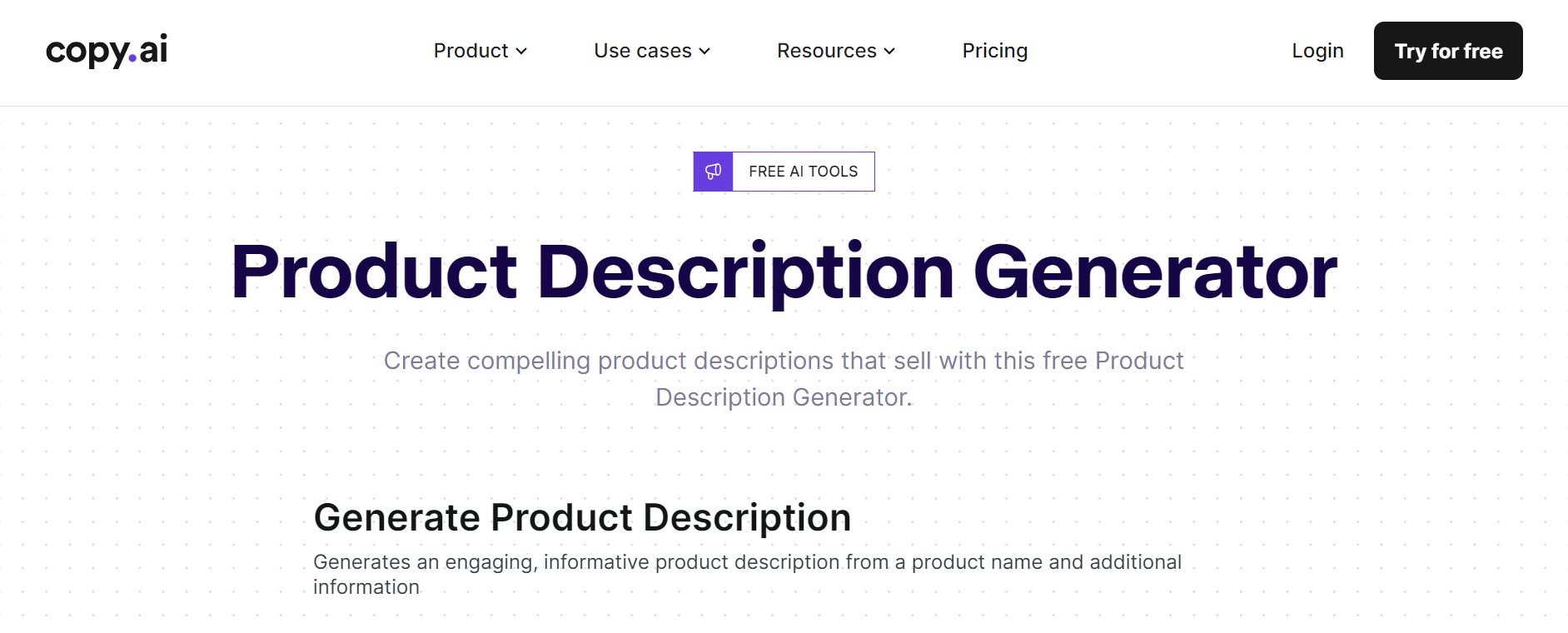
Copy.ai offers a versatile platform for various purposes, including creating articles, email marketing content, social media posts, and translations. It provides a colorful orbit of features to cater to different aims.
Highlight Features:
- Product name
- Product information field
- Copying the results right away
- Request for another answer submission
Pricing: FREE
2. HIX.AI
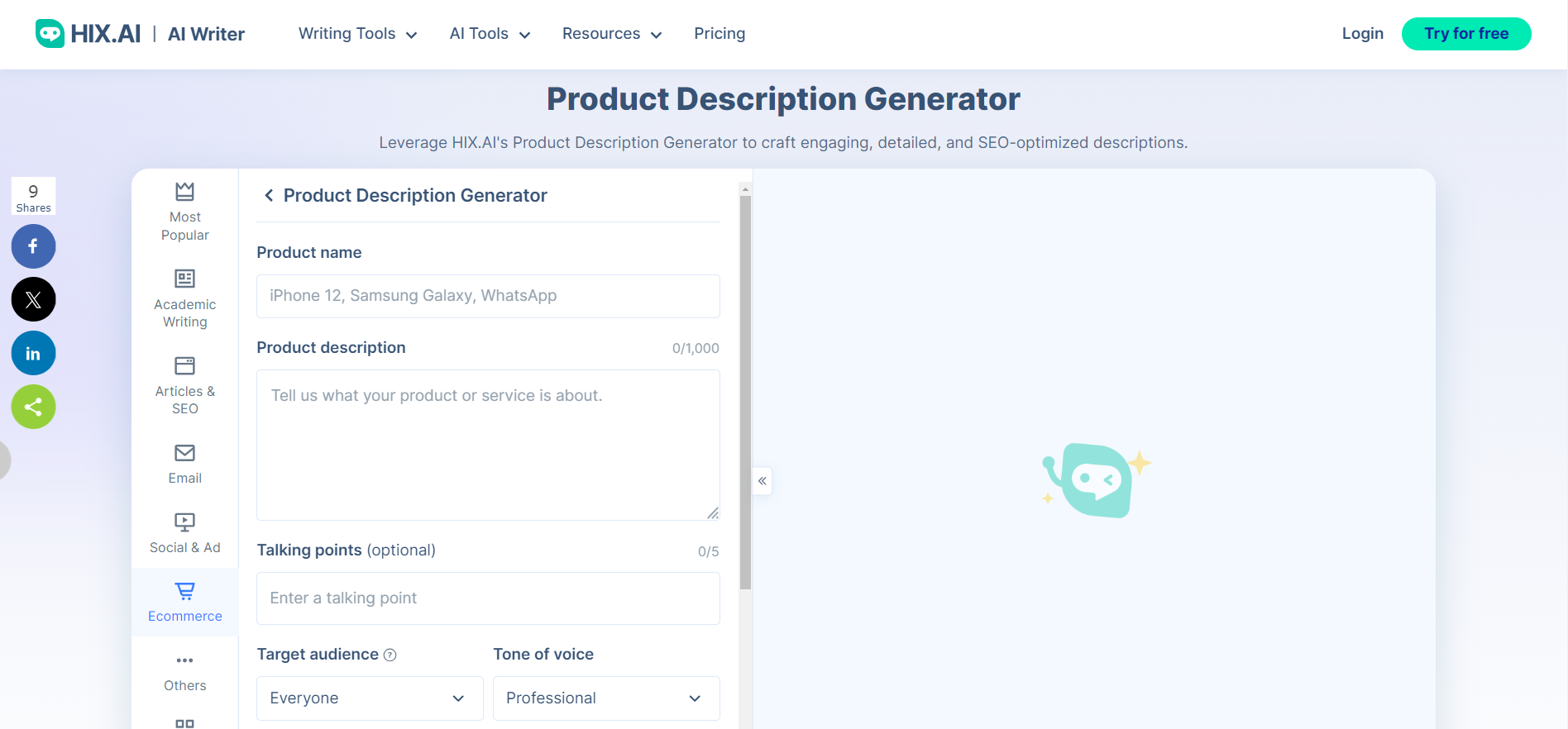
HIX.AI's Product Description Generator is housed within a toolbox alongside settings and an editor, providing a comprehensive environment for users.
Highlight Features:
- Determining the target audience
- Choosing the GPT version
- Talking points to specify
- The tone of voice for coloring the description
Pricing:
- AI Writer Basic - $7.99/month
- AI Writer Pro - $11.99/month
- AI Writer Unlimited - $39.99/month
4. CopySmith
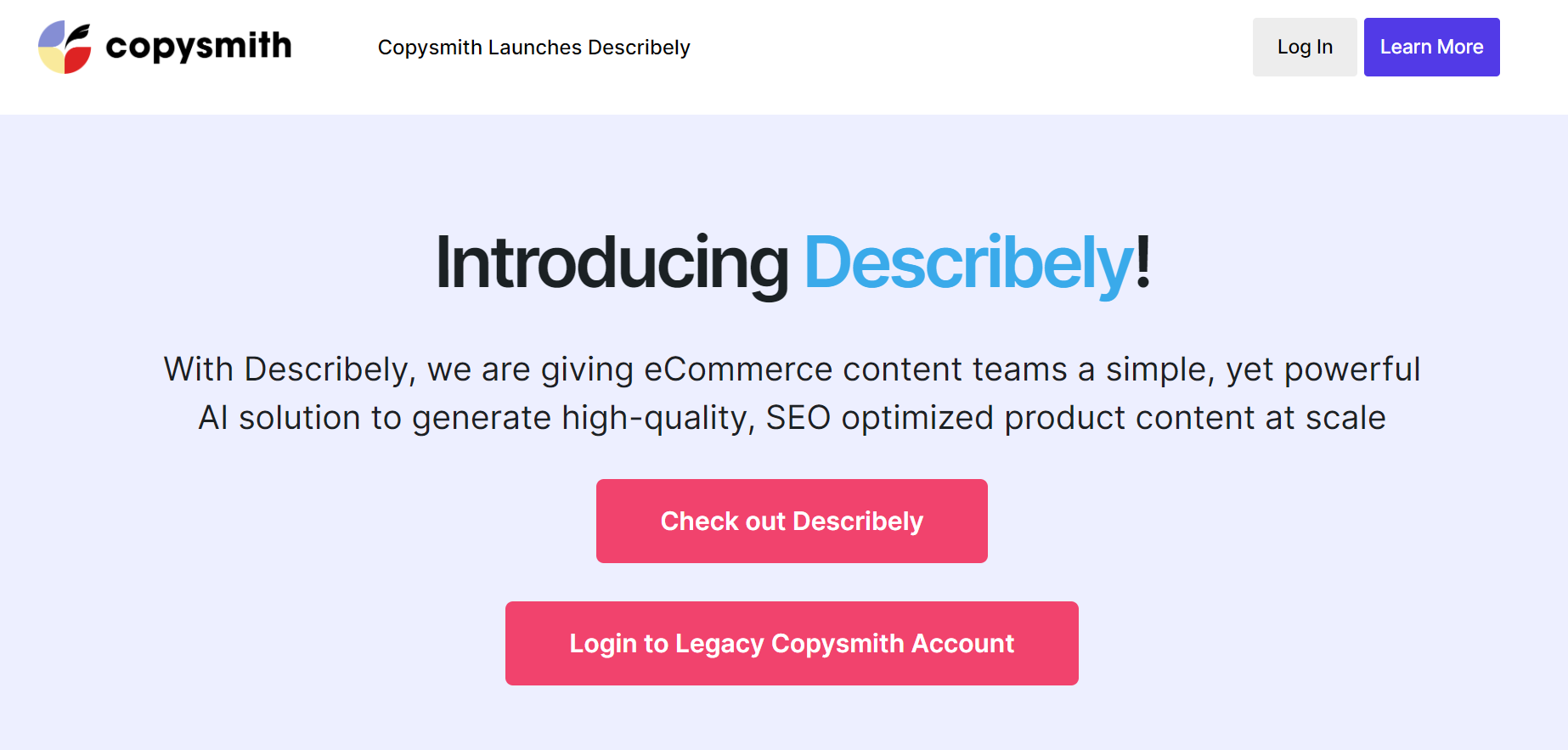
CopySmith specializes in crafting ecommerce copy for marketers, offering features like bulk content generation and seamless integration with platforms like BigCommerce and Shopify. It streamlines the process from importing product catalogs to publishing AI-generated copy, empowering users to optimize their product descriptions for online sales. With pricing plans catering to varying user needs, CopySmith is a comprehensive solution for ecommerce copywriting.
Highlight Features:
- Bulk content generation
- Ecommerce focus
- Product catalog management to stay on top of your product backlog
Pricing:
- Starter: $19/month for one user
- Pro: $49/month for five users
- Enterprise: Contact for pricing
5. Ahrefs
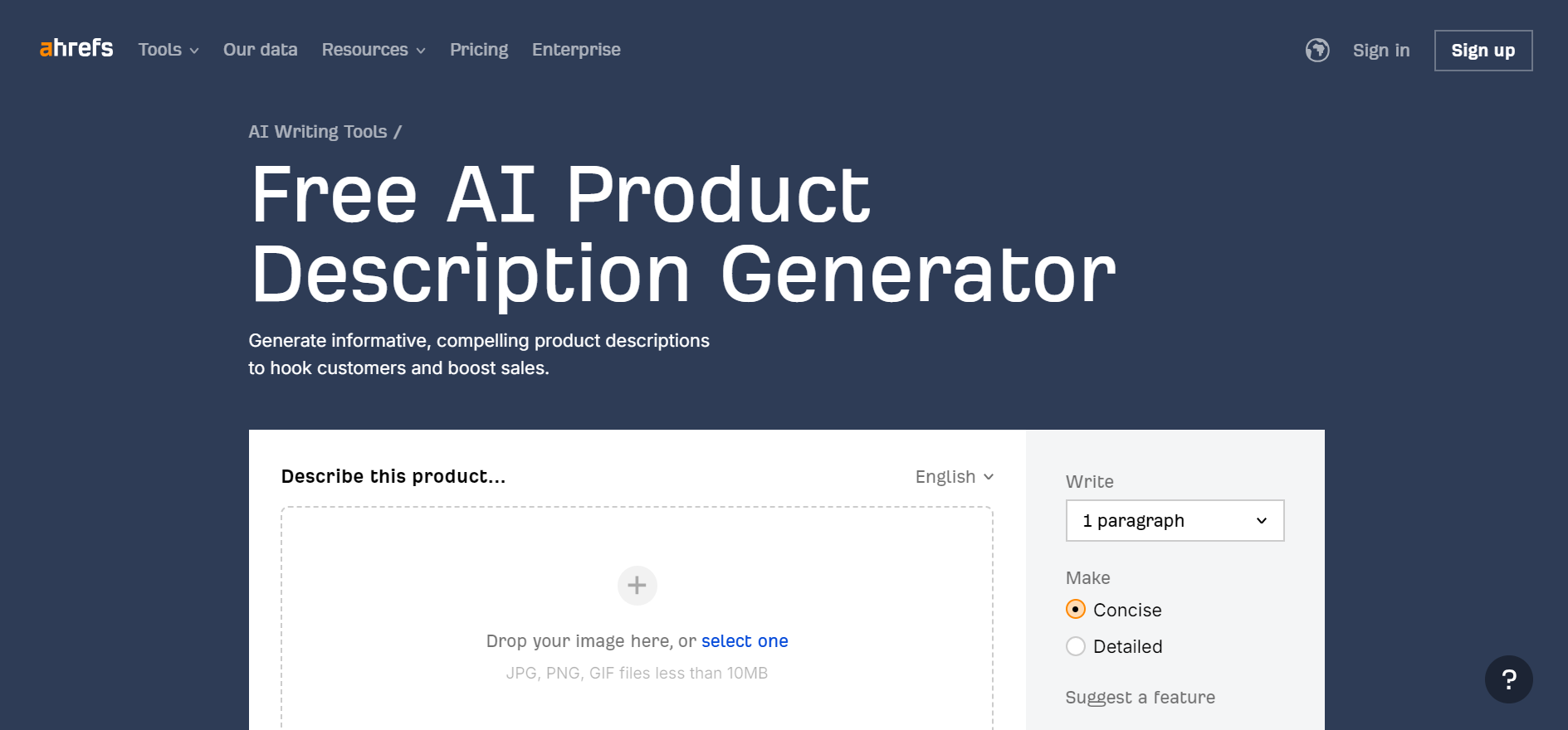
Ahrefs offers a renowned SEO audit tool to enhance overall website performance. Its free AI Product Description Generator simplifies creating product descriptions in minutes, complete with accompanying images.
Highlight Features:
- Multilingual description
- Writing length as 1, 2, or 3 paragraphs
- Intensity of the description
- Exporting answer after modifying
Pricing: FREE
6. Narrato
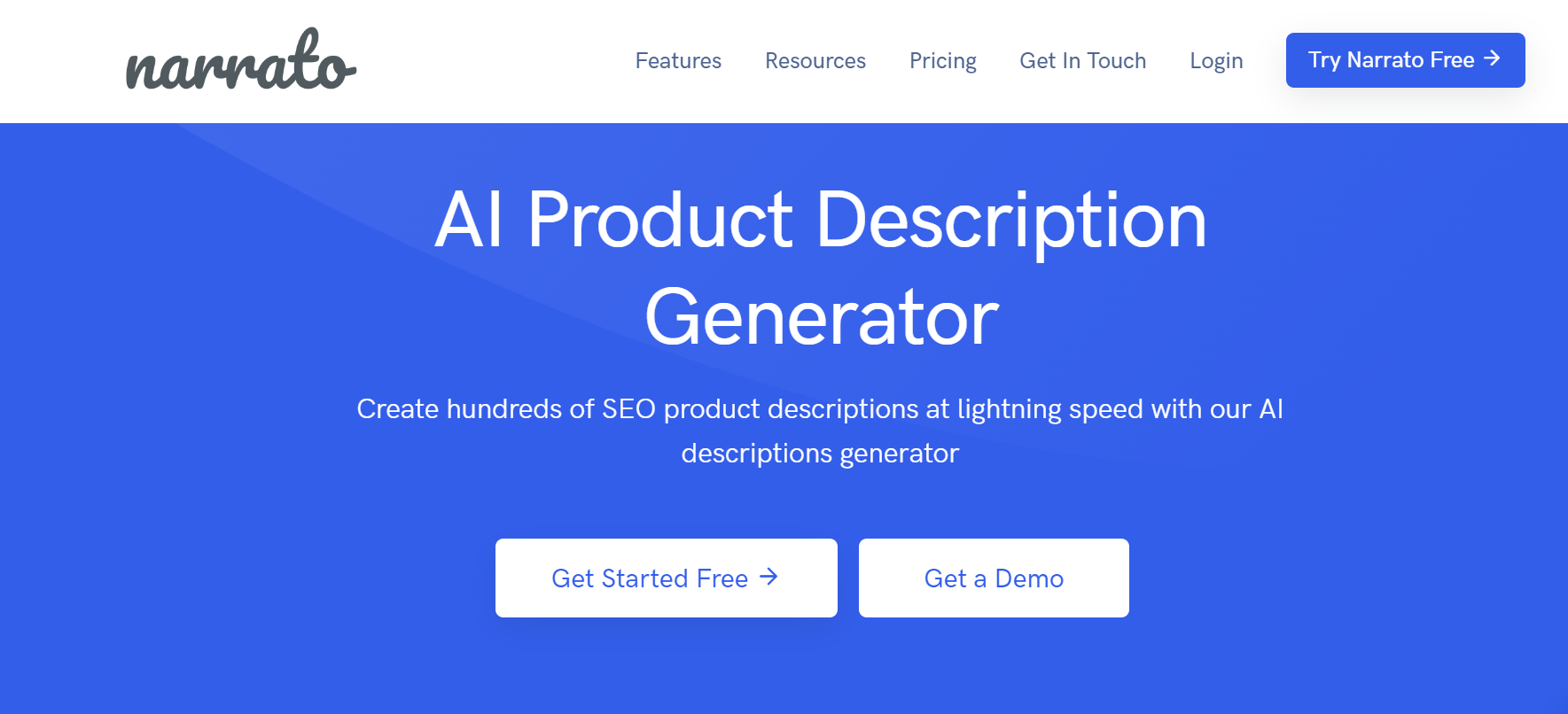
Narrato serves as a workspace for content marketing specialists, offering tools for product description generation. Their AI Product Description Generator requires users to have an account to access its features. With an editor-like system, users can make changes to content easily, aided by intelligent assistants.
Highlight Features:
- Content editor with customization options
- Target length section
- Description format customization
- Publishing opportunities on different CMS
Pricing:
- Pro: $36/mo
- Business: $76/mo
- Custom: Contact Support
7. Simplified
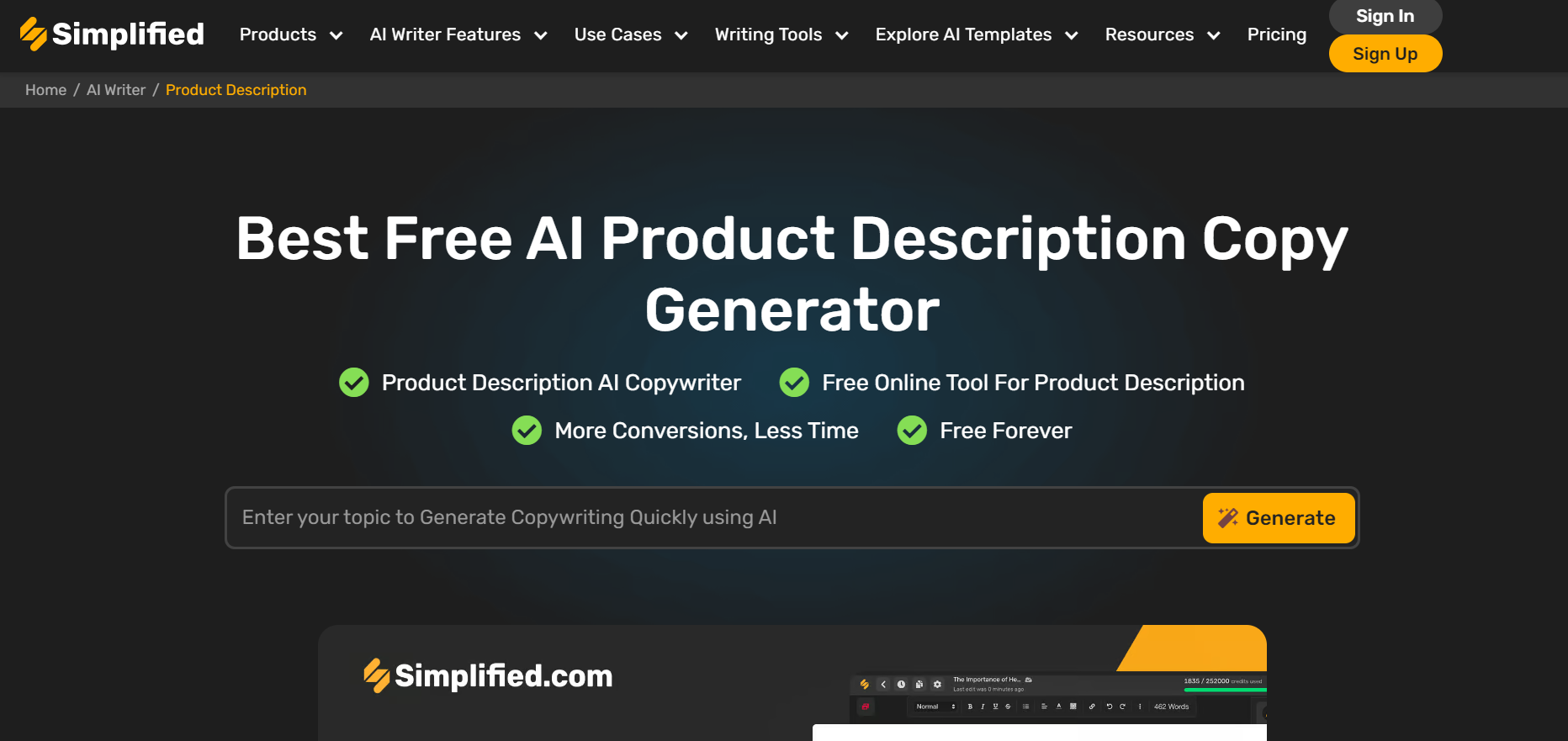
Simplified offers a comprehensive software solution tailored to meet the needs of modern marketers in today's dynamic landscape. Their Best Free AI Product Description Copy Generator is an essential tool for marketers, providing practical templates and customizable fields to streamline the product description creation process. With options to choose from generated results and access to an editor, Simplified empowers users to craft compelling product descriptions easily.
Highlight Features:
- Video tutorial to assist users
- Creativity level determination
- Output language options
- Number of results customization
Pricing:
- Pro: $18/mo
- Business: $29/mo
- Agency: $119/mo
8. Magiscriptor
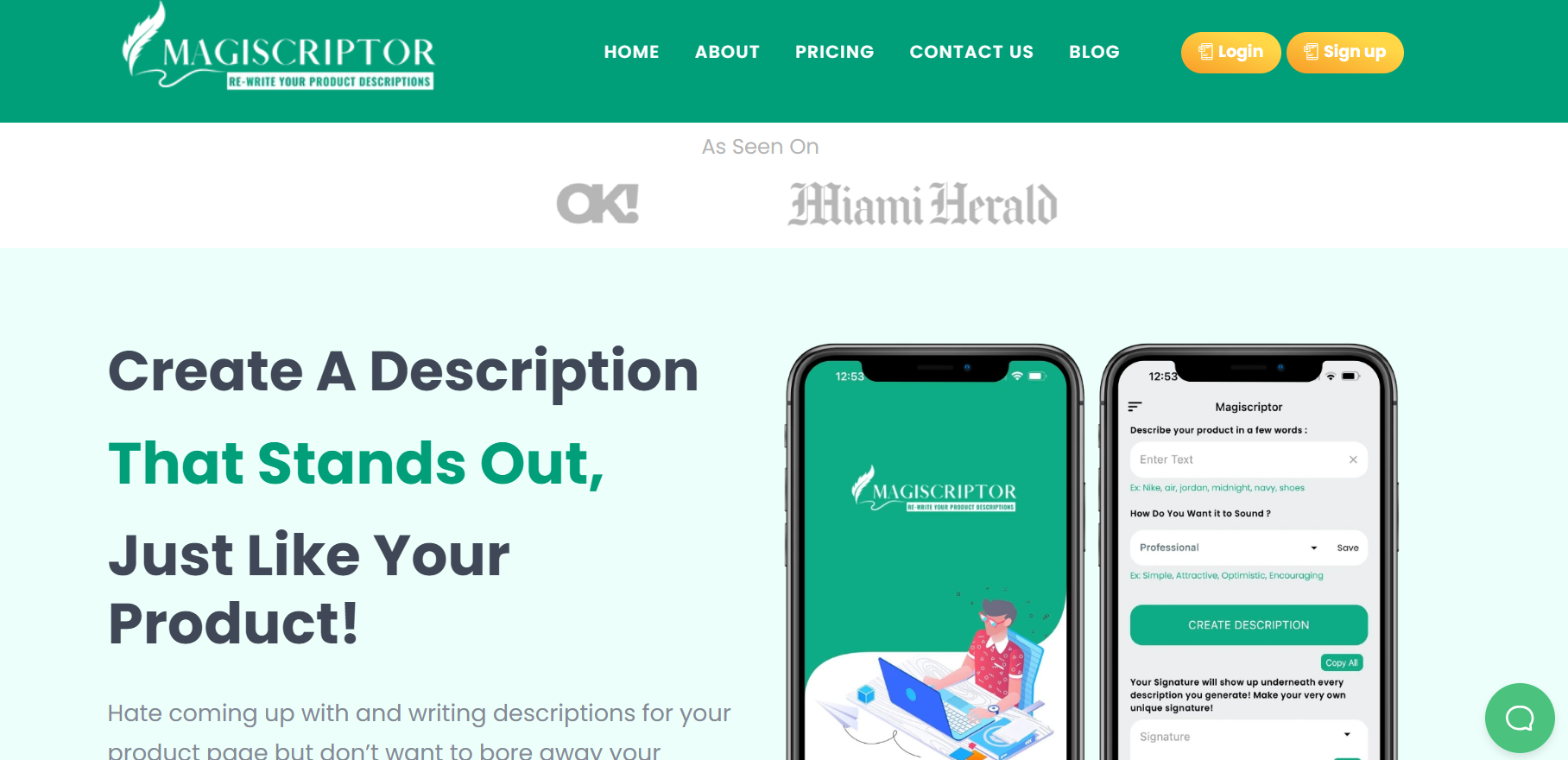
Writing product descriptions becomes effortless with Magiscriptor, a favored AI product description generator among sellers on eBay and Amazon. Simply input three or four keywords into the app, and the AI algorithm generates descriptive paragraphs tailored to your product. Magiscriptor prioritizes crafting high-converting descriptions that highlight product features while ensuring optimal keyword density for search engine visibility.
Highlight Features:
- Keyword frequency balancing
- SEO-optimized descriptions
- Pricing based on credit usage
Pricing:
- Starter: $4.99 for 100 credits
- Basic: $9.99 for 220 credits
- Silver: $14.99 for 330 credits
- Gold: $19.99 for 450 credits
9. B12
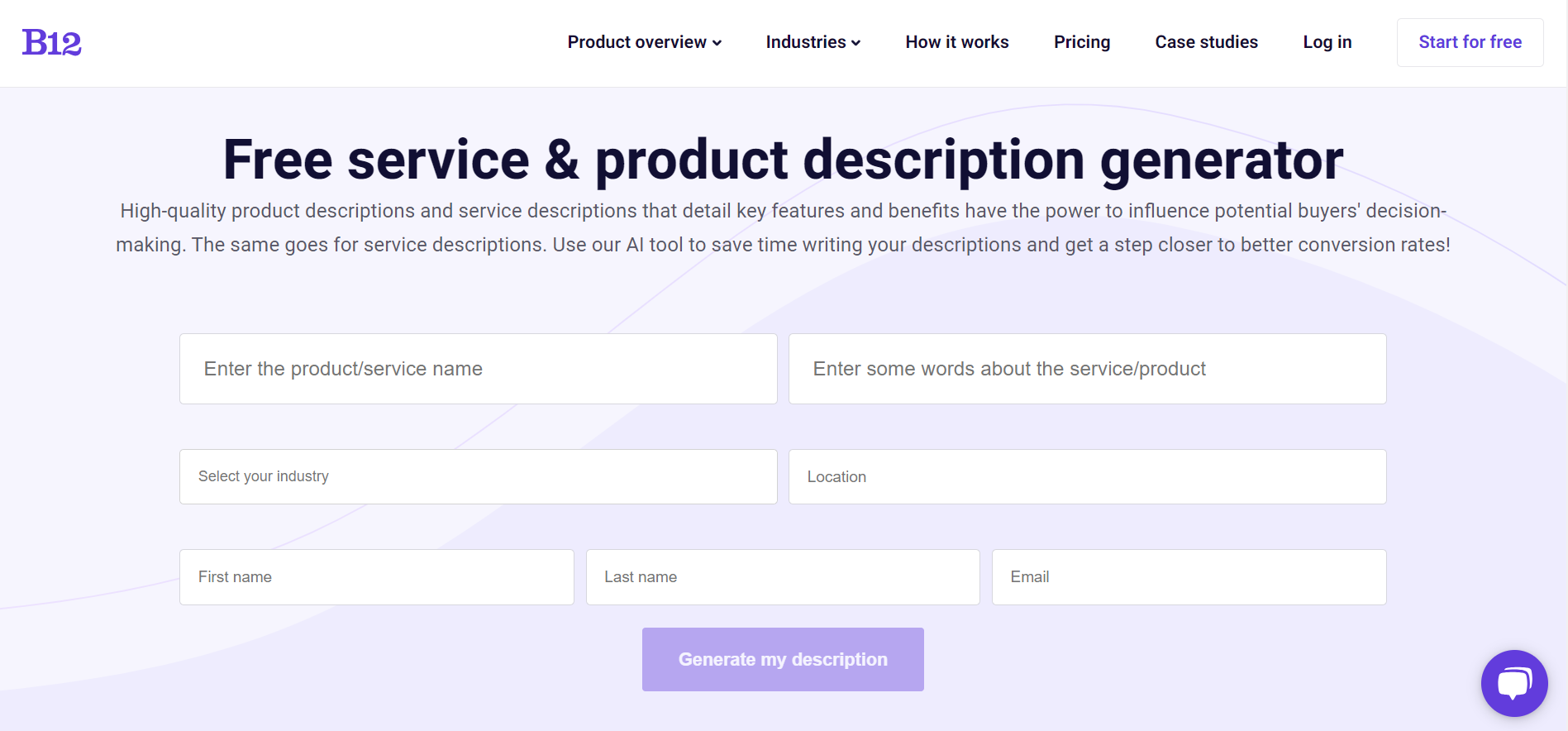
B12 offers a free product description generator that streamlines the copywriting process by allowing users to input product details such as name, keywords, industry, and location. While technically free, users should note that opting for this tool may result in receiving promotional emails from B12. Despite this, B12 positions its product description generator as a valuable resource for product teams seeking inspiration and a starting point for crafting compelling copy.
Highlight Features:
- It accounts for industry
- It accounts for the location
Pricing:
- Basic - $42/mo
- Professional - $169/mo
- Advanced - $339/mo
10. AISEO
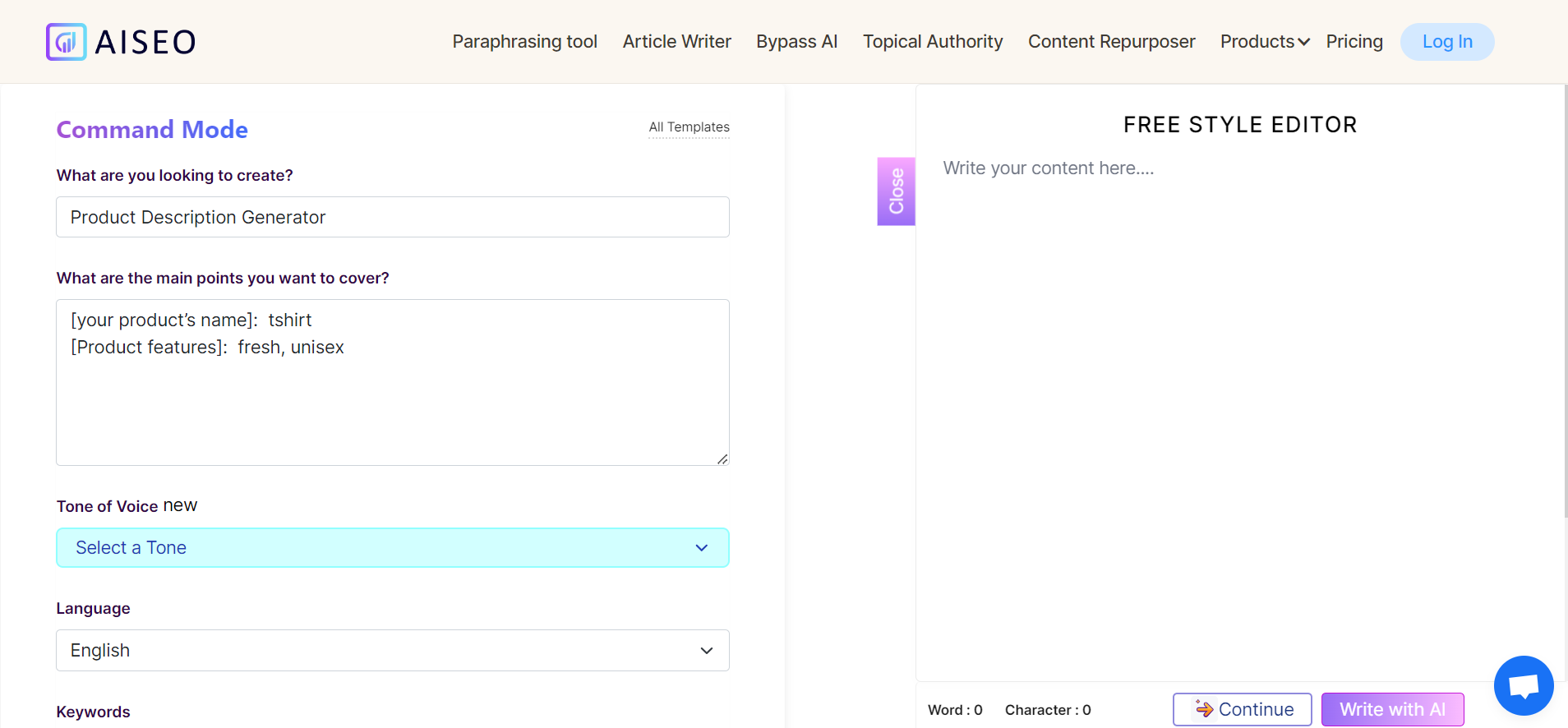
AISEO is an AI productivity tool designed to assist writers, SEO specialists, and marketers in content creation. Its Product Description Generator stands out as one of the most advanced tools on this list, guiding users through answering direct questions to craft product descriptions. AISEO offers customization options for tone of voice and language, along with keyword integration for focused content creation.
Highlight Features:
- Keywords for clues
- Setting goals for the brand voice
- Main points field to inspire
- Free Style Editor to edit description
Pricing:
- Grow: $24/mo
- Scale: $44/mo
- Team: $129/mo
11. Jasper
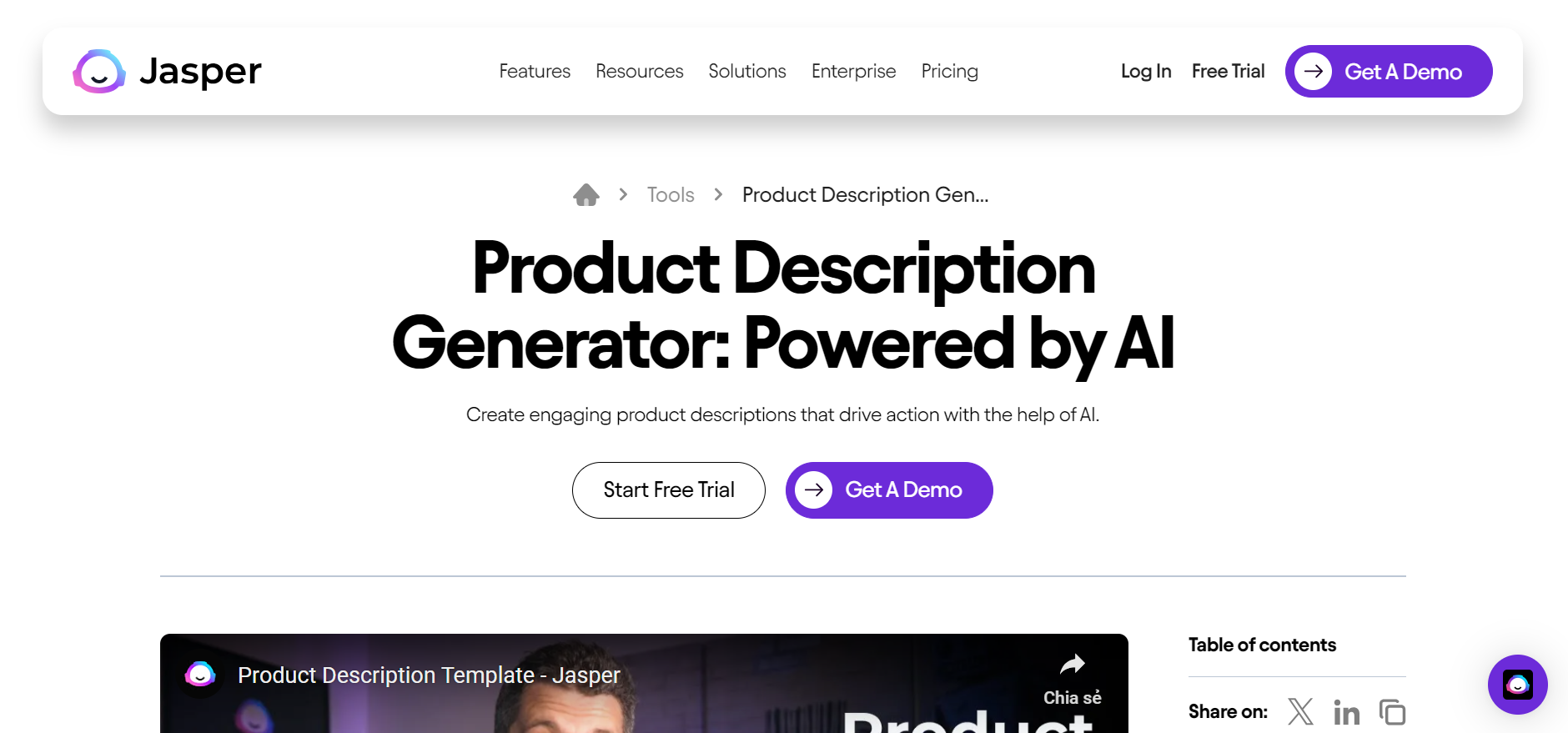
Jasper is a content-based digital marketing tool catering to various industries and providing solutions for digital marketers. Its Product Description Generator requires users to create an account like Writesonic. Jasper offers a straightforward approach to creating product descriptions, utilizing product name and description inputs to generate content that can be edited within the user's account.
Highlight Features:
- Boss Mode to dictate
- The tone of voice determination
- Keywords for SEO choice
- Arranging as favorite and copying from the editor
Pricing:
- Creator: $49/mo
- Pro: $69/mo
- Business: Let's talk
12. Writesonic
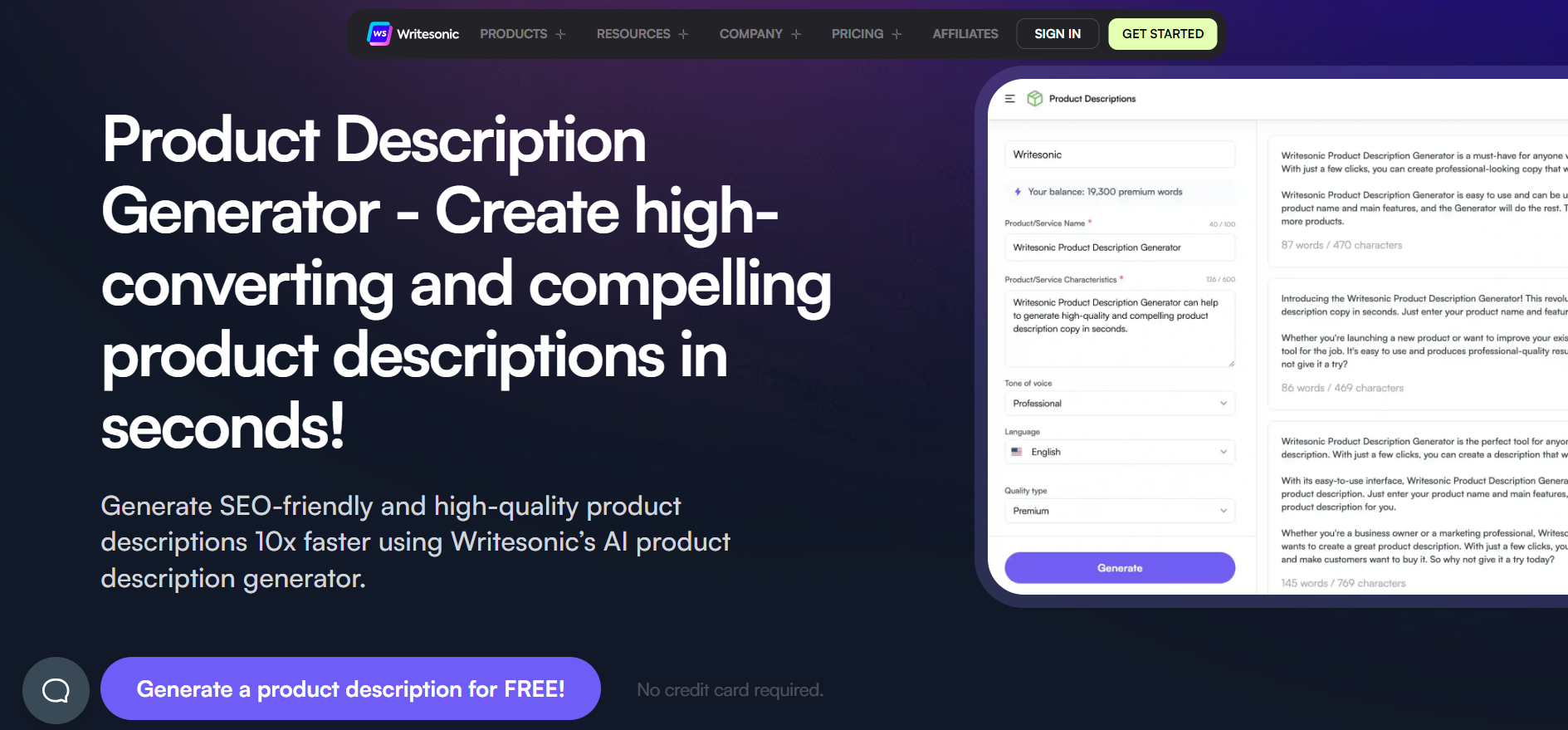
Writesonic is a versatile AI tool capable of handling various writing tasks, including blogs, email copy, ad copy, and product descriptions. It offers tailored solutions for ecommerce businesses, enabling users to compose product descriptions, feature lists, and titles effortlessly. Writesonic stands out for its ability to generate high-quality content with minimal edits, thanks to its thorough background information-gathering process. Additionally, it provides keyword lists to enhance product descriptions.
Highlight Features:
- Platform-specific AI writing templates
- Landing pages generator
- Text summarize
Pricing:
- Free Trial
- Pro: $12.67/month for 100,000 words
- Enterprise: Contact for pricing
13. Frase
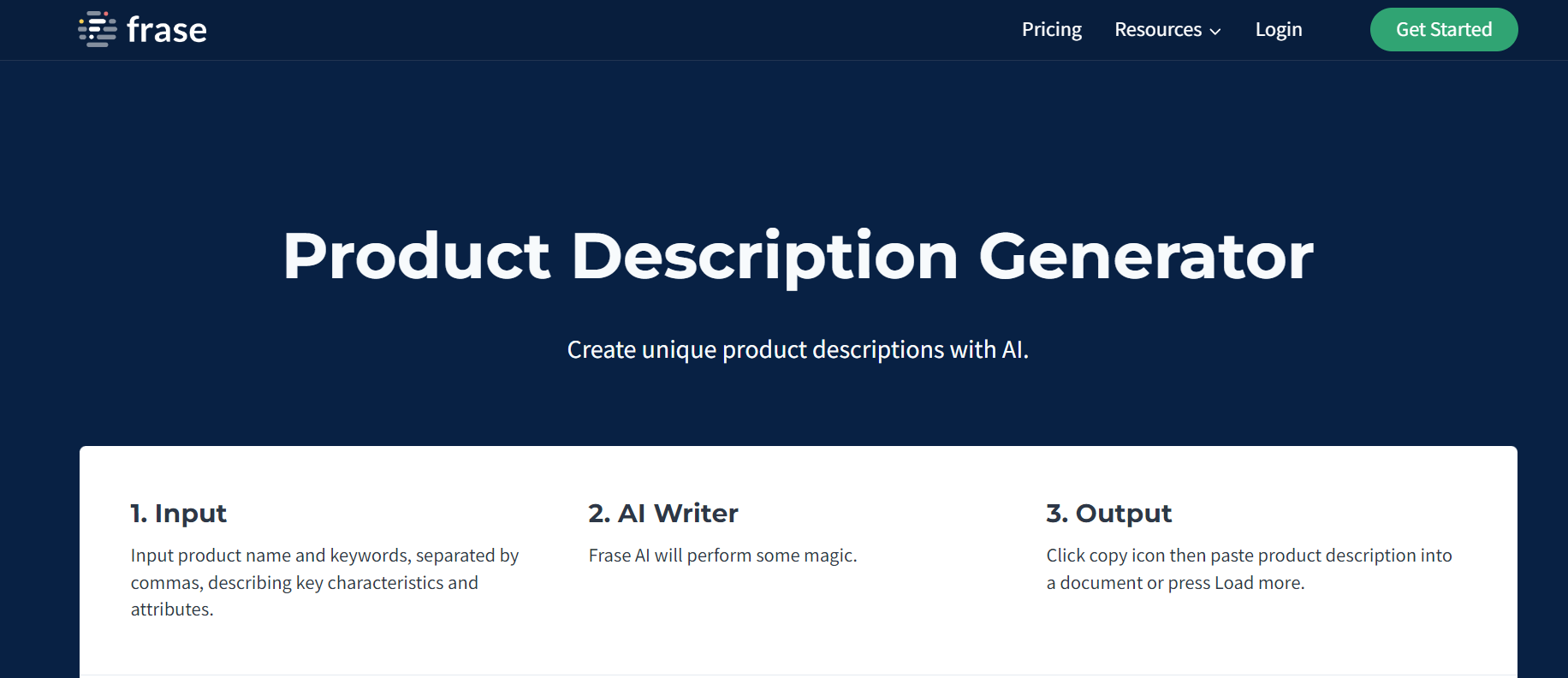
Frase is an AI SEO tool that offers content creation and SEO solutions through various free tools, including the Paraphrasing Tool, Blog Title Generator, and AI Content Generator. Its Product Description Generator comprises three sections: Product Name, keywords, and creativity sale. Users can obtain suitable product descriptions by inputting relevant information and clicking the generate button. Frase also offers a re-generation button for refining descriptions and a 'Load More' option for extended descriptions.
Highlight Features:
- Guiding with steps
- Keywords to generate product description
- Arrangeable creativity level
- Load more button for a longer description
Pricing:
- Solo: $14.99/mo
- Basic: $44.99/mo
- Team: $114.99/mo
How To Write Attractive Product Descriptions Using AI
Crafting captivating product descriptions with the assistance of AI is a straightforward process, but it requires attention to detail and a strategic approach. Follow these steps to ensure your product descriptions stand out and resonate with your target audience:
Choose Your Tone and Stick With It
When utilizing an AI product description generator, you'll often have the option to select the tone of the content. Whether it's snarky, professional, or informative, consistency is key. Align the chosen tone with your brand identity and the nature of your products. For instance, a playful and humorous tone might not be suitable for selling sophisticated leather wallets.
Make Minor Edits
While AI-powered generators are advanced, they may still produce occasional errors or miss nuances. Human editing ensures the final output aligns perfectly with your brand voice and messaging. Review the generated descriptions, make necessary adjustments, and personalize them to suit your requirements. Furthermore, check plagiarism with AI to ensure originality.
Set a Character Limit
Product descriptions on e-commerce platforms typically have character limits, ranging from 250 to 300 characters. Ensure that the AI-generated descriptions adhere to these limits to maintain readability and optimize user experience. If necessary, edit the content or opt for a generator that allows customization of character limits.
Focus on Benefits
When crafting product descriptions, emphasize the product's benefits rather than merely listing its features. Highlight how the product solves a problem or fulfills a need for the customer. Consider questions like: What value does it add to their life? Why should they choose your product over alternatives? By focusing on benefits, you create compelling narratives that resonate with potential buyers and drive conversions.
Common Mistakes to Avoid with AI Product Descriptions
While AI can save time and enhance your product copy, misusing it can backfire. Avoid these common pitfalls:
- Copy-Pasting AI Output Without Review: AI-generated text can be impressive, but it isn't always correct or in line with your brand. Before you post descriptions, always read and edit them. Even small mistakes can hurt your credibility and make things hard for customers.
- Ignoring Brand Tone and Style: AI may default to generic tones if you don’t guide it. Make sure each description reflects your brand’s personality, whether it’s playful, professional, or luxurious.
- Overusing AI-Generated Keywords: Keyword optimization is important, but overstuffing your copy with keywords can make it awkward for readers and hurt SEO. Use them naturally and focus on readability first.
- Failing to Test Descriptions with Real Users or A/B Experiments: Even well-crafted AI descriptions can perform differently in the market. Test them with real users or run A/B experiments to see which versions convert best. AI is a tool, not a magic guarantee.
- Neglecting Updates and Trends: Things like products, trends, and the way people talk about them change over time. To keep your AI-generated descriptions up to date, relevant, and competitive, you should update them often.
FAQs
1. Do I need the expertise to use Product Description Generator tools?
No, you don't need expertise to use Product Description Generator tools. These tools are typically designed to be straightforward and practical to handle. All you need to do is provide the necessary information, and the tool will generate the product descriptions for you.
2. What is the ideal length of a good Product Description?
The ideal length of a good Product Description ranges between 100 and 500 words. However, you can expand or reduce the length based on your preferences. Following this rule ensures that your description effectively conveys your message with impact.
3. Can the Product Description Generator tool enhance user experience?
Yes, the Product Description Generator tool can enhance user experience. By providing engaging and transparent information for visitors, these tools make it easy for people to access details about the product, thereby improving their overall experience on the website.
In a nutshell
In conclusion, exploring the realm of AI-powered product description generators offers businesses a transformative edge in today's competitive landscape. These versatile tools streamline crafting compelling and SEO-optimized product descriptions, saving valuable time and resources while maximizing engagement and conversion rates.


Build your highest-converting page in 15 minutes


Blog Categories



0 comments